Click the P/O button on the toolbar at the top of the page to begin reconciling the payout details.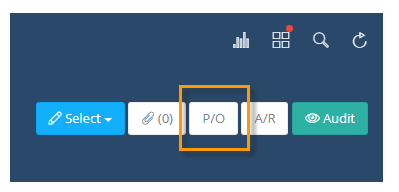
On this screen you can add a new P/O detail, remove one, or edit what’s already there.
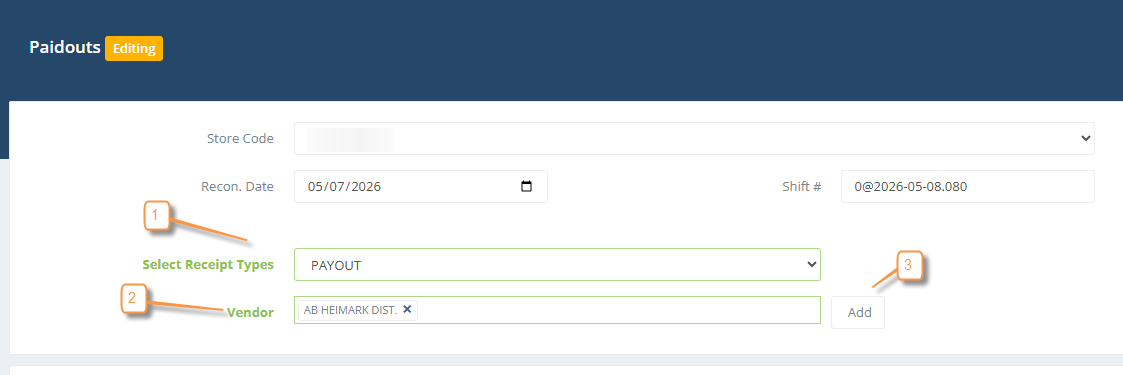
To add a new P/O entry, follow the instructions below:
1. Select the receipt type you would like to assign (ex: Payout)
2. Select the vendor
3. Click the ADD button.
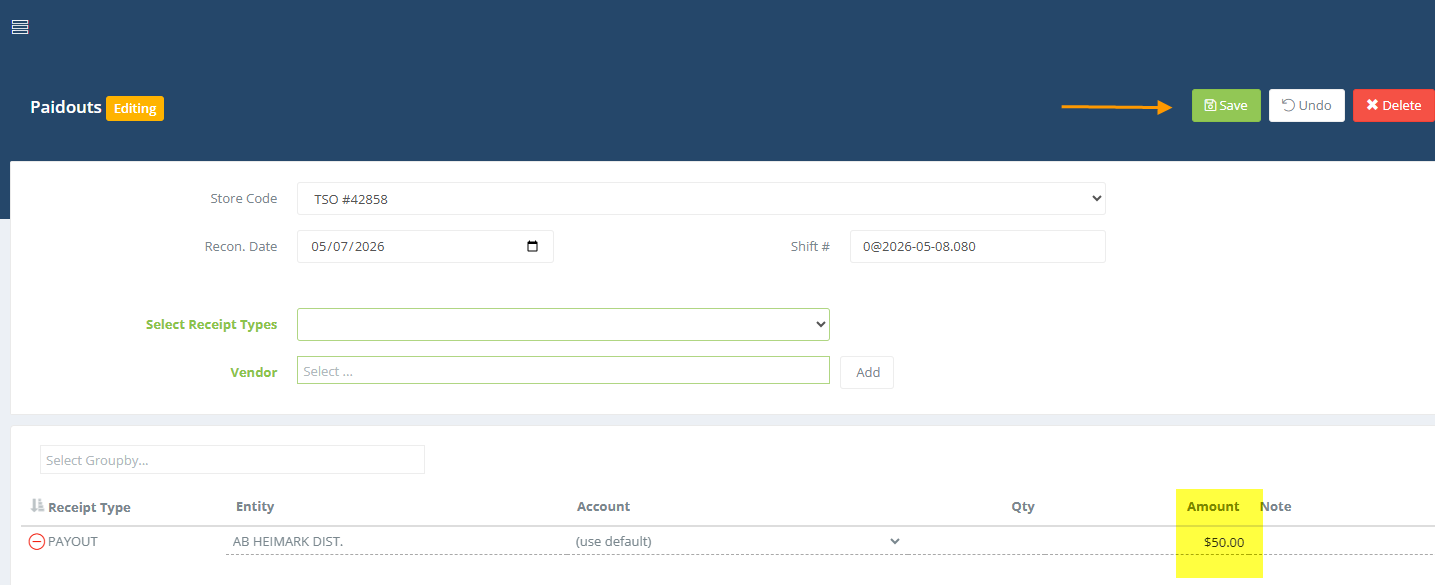
Once you have added the line, enter the amount
Continue that process until all lines have been added, then SAVE
You may also need to tie non fuel invoices to the payout section if you paid for inventory merchandise that will be sold in your store using cash from the register.
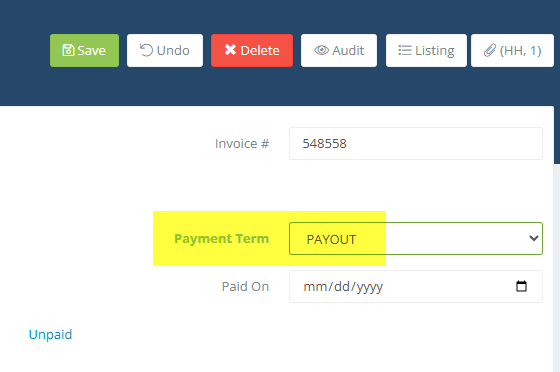
In the invoice header you are given the option to select payout as the method of payment (Payment Term field on the invoice).